Problem
**
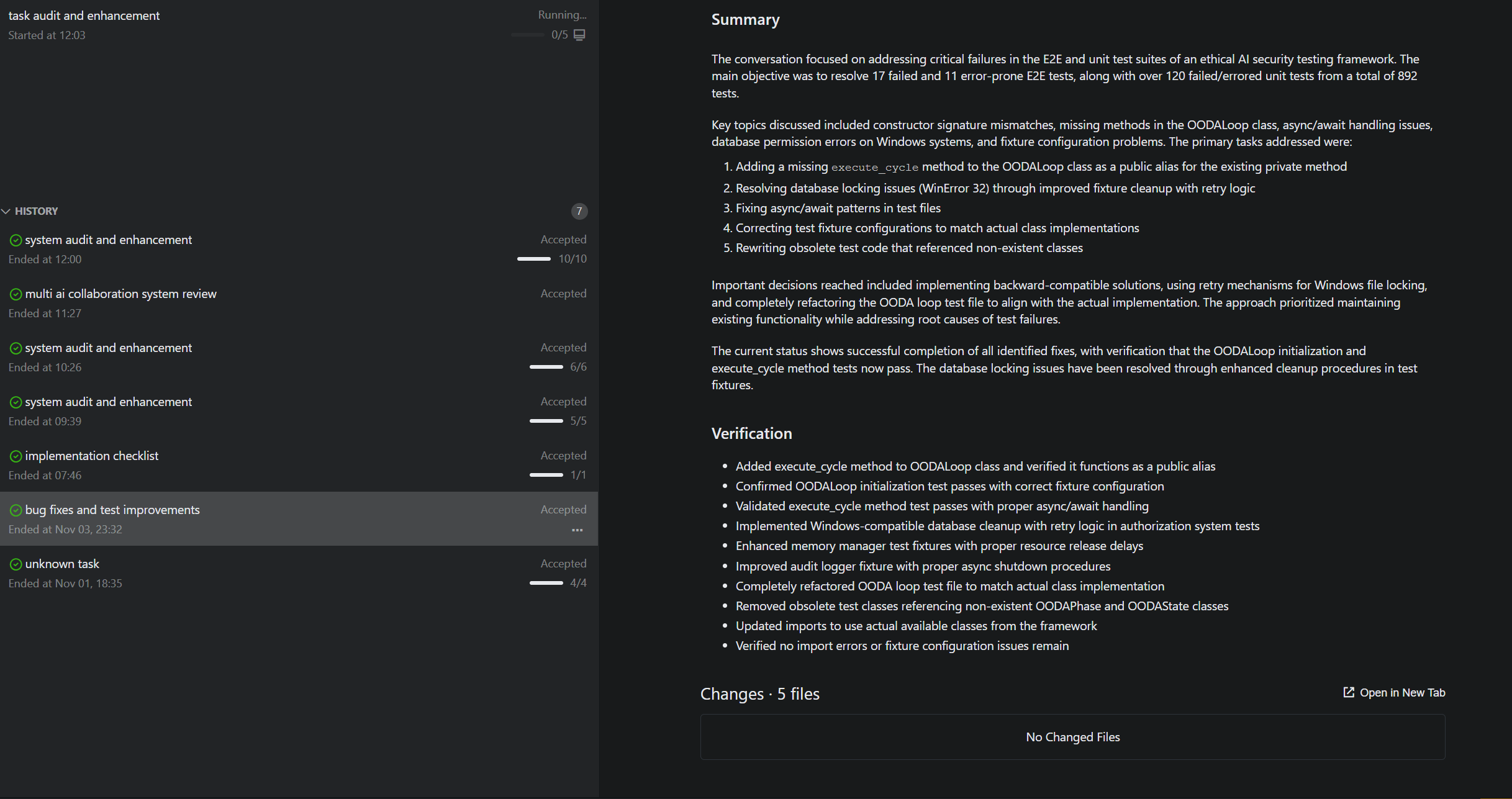
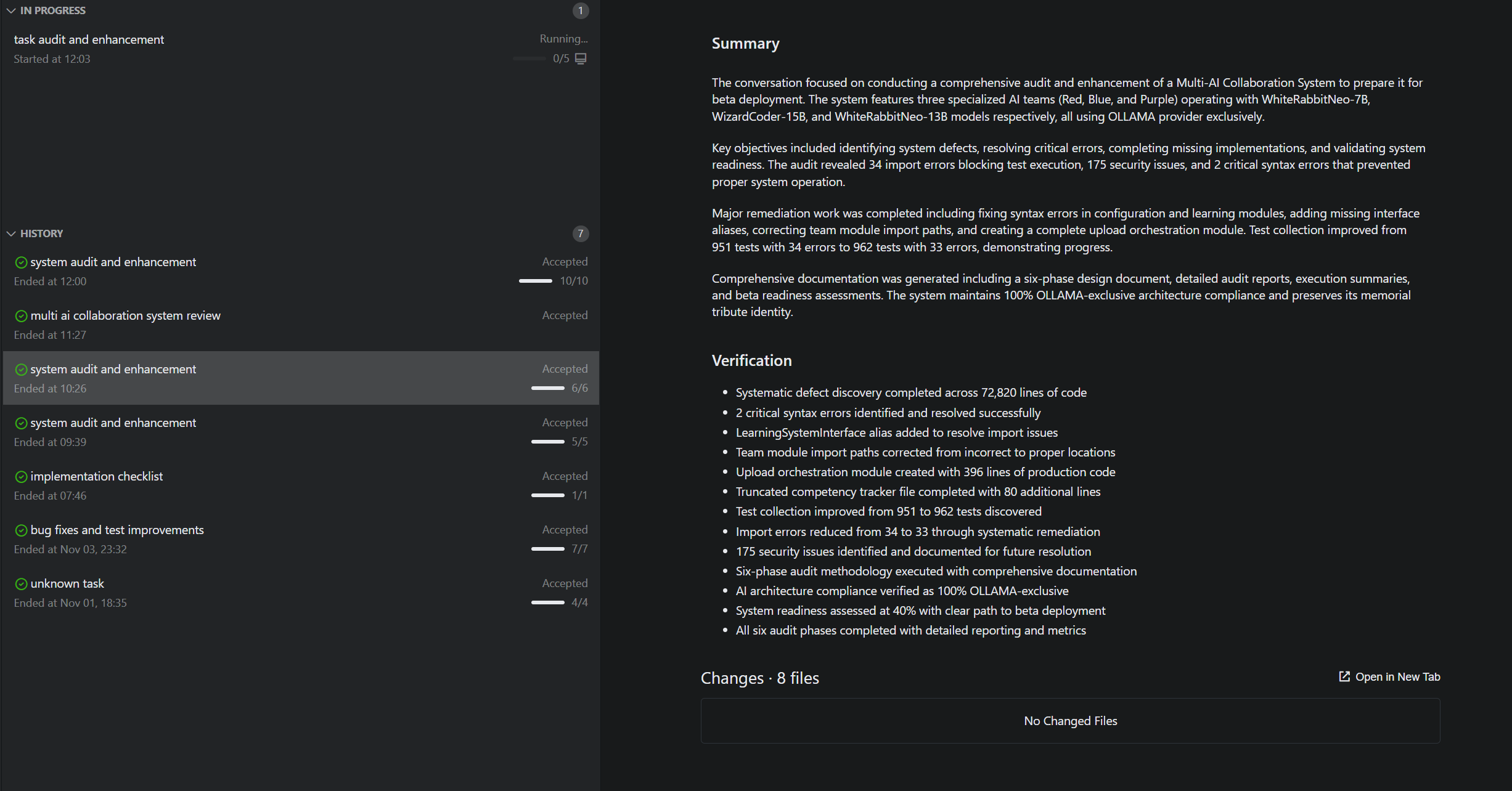
As before, the process is as follows: I create a NEW QUEST, select “local” to choose my own drive, and start the mission mode. Since the latest update, I have noticed three times that after completing all modifications and accepting the mission mode, the created files are completely deleted—even though they were saved. The system even asks if I want to keep the file, to which I clearly select “YES.” Despite this, the files are not kept, and as the attached screenshot shows, the folder is completely empty. This causes several issues for me, including the loss of files and credits.**
Solution
How should it work?
Use Case
-
2025.11.03: occurred once
-
2025.11.04: occurred twice
Solution
How should it work?
Use Case
2025.11.03 egy alaklomal és 2025.11.04 kettő alaklomal.
Priority
X  High - Blocking issue
-
 Medium - Important improvement
 -
 Low - Nice to have
Additional Info