However, if run curl command directly from a normal windows CMD window, I can see all these links can return “PONG”. It looks like the system has no problem to access Qoder servers. Ping and DNS are working fine but the HTTP from Qoder IDE failed.
It was working previously. I’m working from home with simple Wifi AP and there is no blocking rules. Tried firewall disabling and same result.
Please help!
Steps to Reproduce
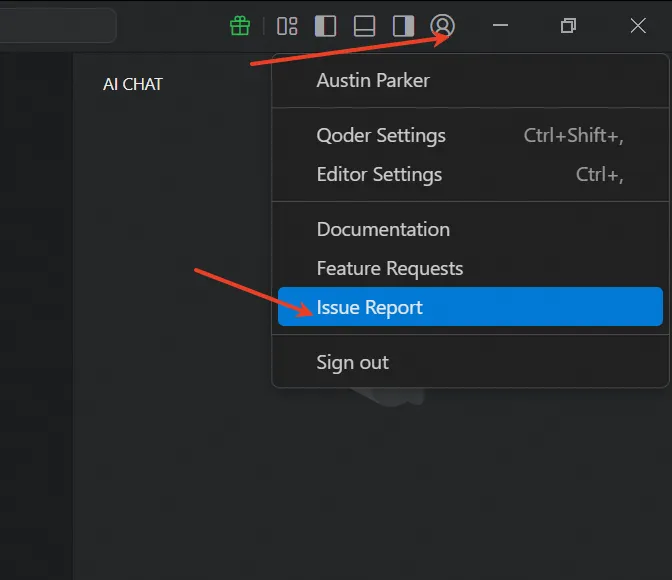
Click Sign in and it shows network connection failed. Go to Qoder Settings and run Network diagnostic.
Expected Behavior
Sign in success and Network diagnostic shows no error.
HTTP/1.1 400 Bad Request
Date: Fri, 30 Jan 2026 18:19:58 GMT
Content-Type: text/html
Content-Length: 204
Connection: close
400 Bad Request
400 Bad Request
tengine
But I don’t know what settings caused that. Reinstalled Qoder and the result is same.
I think I will have to stop the subscription and switch to other AI agent. When it’s working Qoder is actually not bad but I’m blocked so have to say good bye now.
timyao@gmail.com
We couldn’t find any issue reports submitted from your email account. To investigate and analyze the logs to identify your problem, we’ll need you to submit a report first. Could you please confirm which email account you’re using?
Sorry, we still couldn’t find the issue you submitted. Are you sure you used this email account to submit the report here? Please provide the submission ID so we can look it up for you.