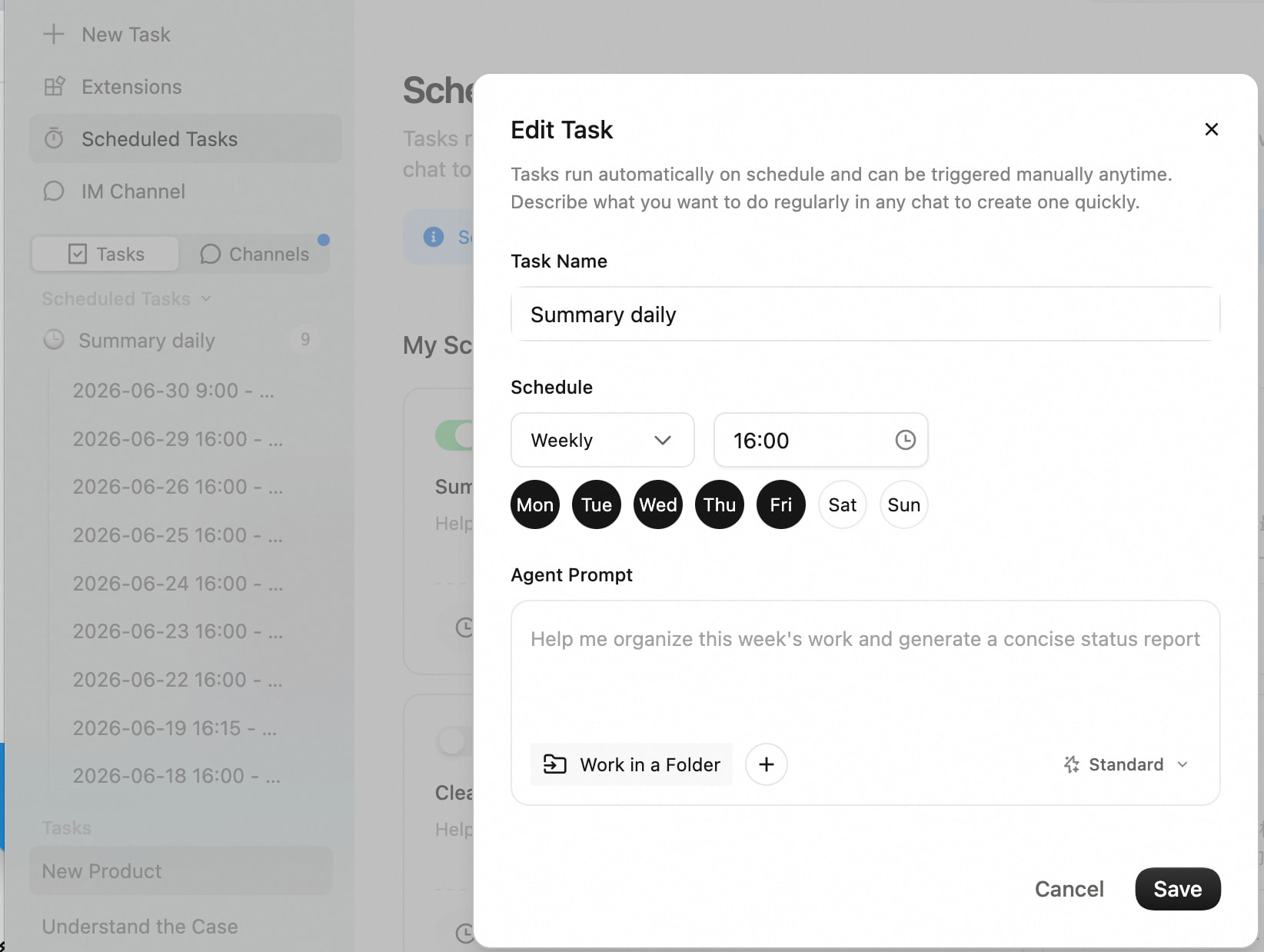
QoderWork’s Scheduled Tasks let your agent run on its own at the times you choose. Sharing a quick rundown since I keep finding new uses for it.
What it is
Scheduled Tasks run any agent prompt on a timer, in three modes:
| Mode | When it fires |
|---|---|
| One-shot | At a specific absolute time |
| Recurring | Every X minutes (minimum 1 min) |
| Cron | Any cron expression with timezone |
The task runs in an independent session, and you can wire results into an IM channel (DingTalk, Slack, Feishu) so output lands where you actually read messages.
3 things worth trying
- Daily morning brief — pull your meeting list, unread messages, and open tasks at 8:30am, then ping you with what needs attention first.
- Weekly progress recap — Friday 5pm, summarize what shipped this week and drop it in your team channel.
- One-shot pre-meeting reminder — 30 min before a meeting, gather the relevant docs and prior thread, then send you a brief.
One tip
The task agent doesn’t see your current chat history. Write the prompt in plain language and include any context it needs (which IM channel to post to, what format you want).
What are you scheduling? Always curious how people use this.