
你解决了吗?我更新到 0.0.17 之后也出现了这个问题
无法登录,是什么情况!!!
是更新导致的bug吗,这品质控制有点不如人间
能否提供一下完整的界面截图及使用的系统版本?我们排查一下
第一次下载安装之后,点击登录反应,重启很多次都不行

没连接也是一样的,新版本下载下来就点不了登录
软件最新版本就无法直接登录了,其他功能正常可以点击有反应
Could you please let us know your operating system version?
最近几个版本都测试了,点击登录没有反应,
Environment:
MacOS 15.7 (24G207)
Issue:
When I try to log in, the message “Qoder: Sign out success!” appears, but the account is not accessed successfully.
关闭防火墙试试 可能是网络问题 我也遇到过
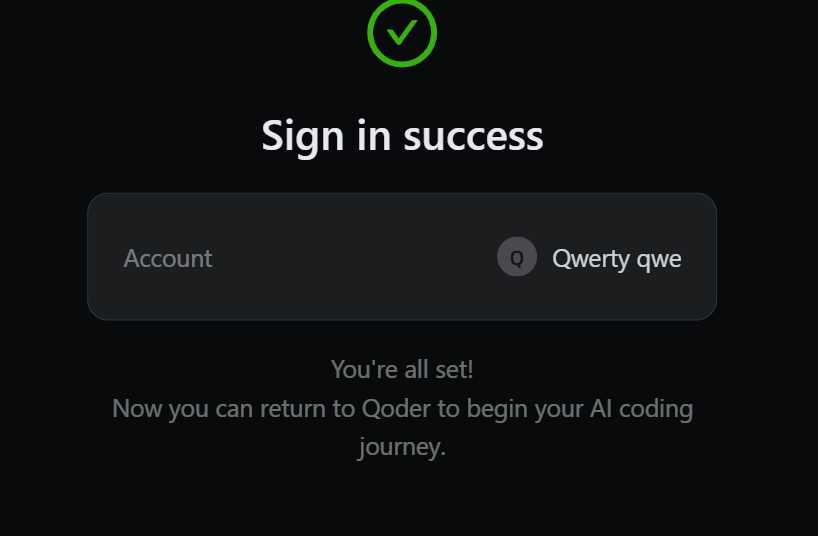
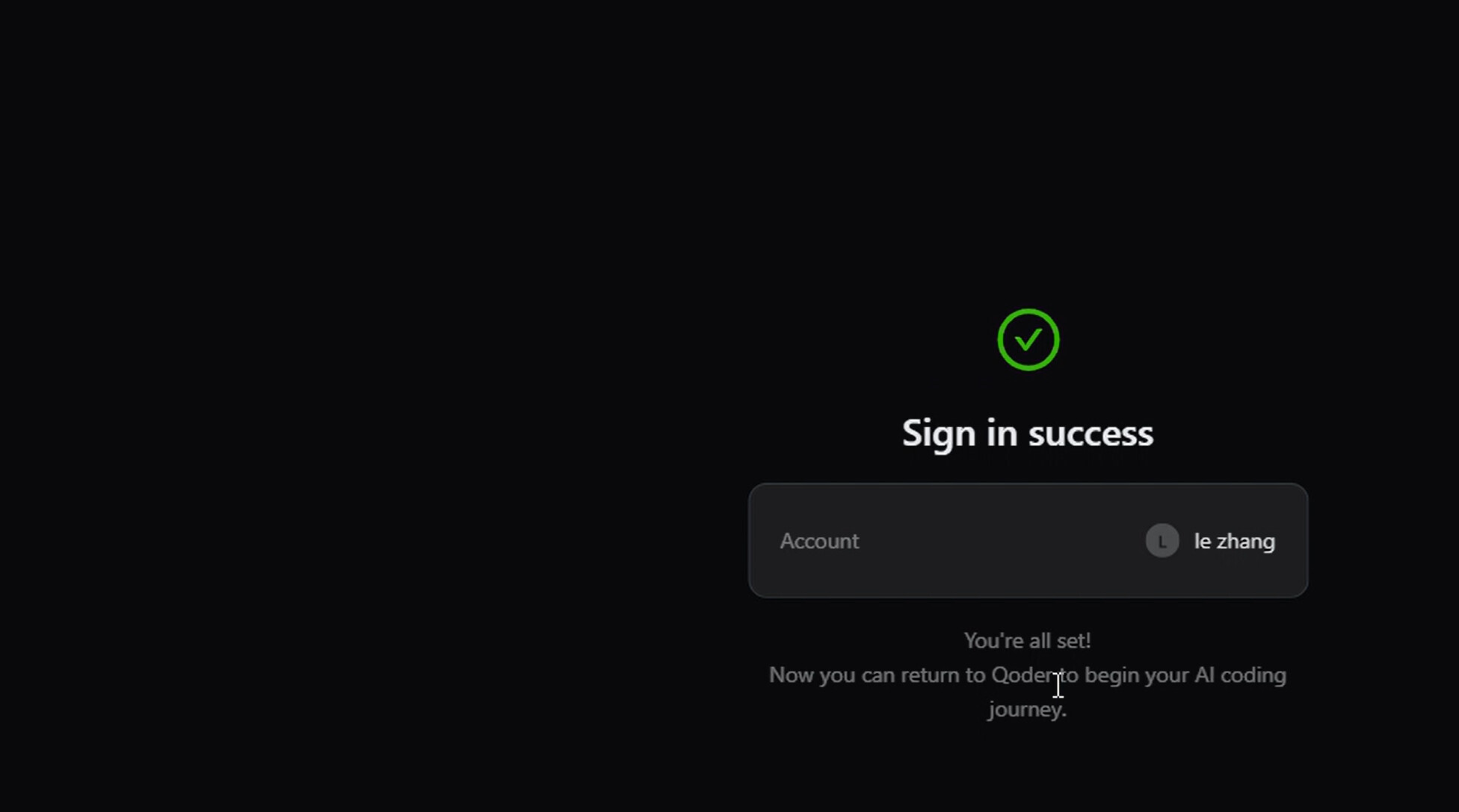
我也没反应,打开页面都提示登录成功了,但是Qoder还是显示没登录。版本0.1.20
When I click “Sign Out” in the IDE, it redirects me to the website and successfully logs in. However, when I return to the IDE, it shows a notification that the login was successful, but the authorization doesn’t actually work—nothing changes!
I’ve tried reinstalling the IDE, creating a new account—nothing helps. I’ve also tried restarting my PC!
I’ve tried setting up a proxy for both HTTP and HTTPS, but the result is the same.

System: Windows 11
Facing Same issue in IDE
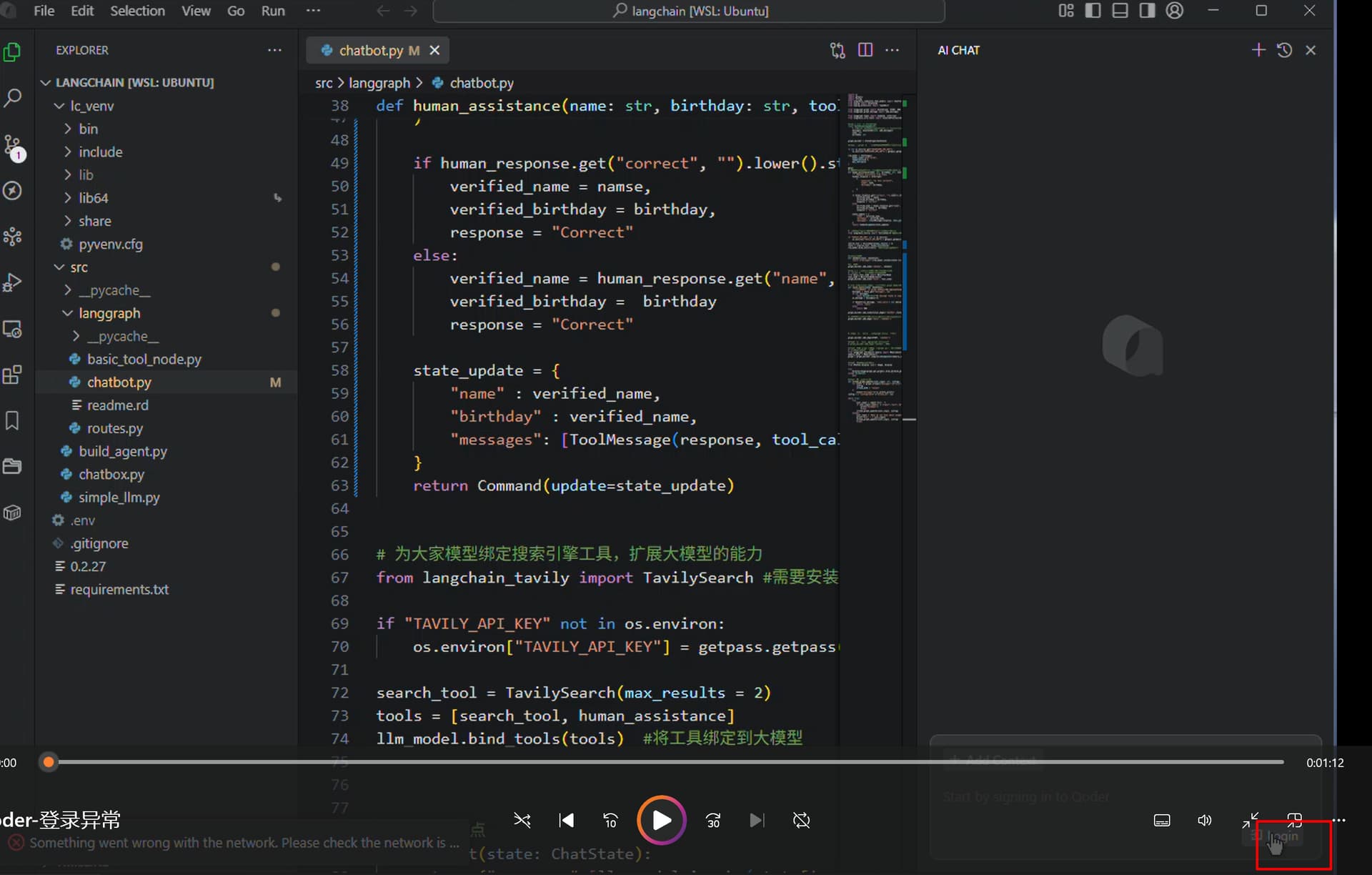
自动更新后,最新版本 0.1.21 登陆后跳转到qoder,浏览器关闭,仍然是不能登陆。
Me too. There’s no response when I click the login button.
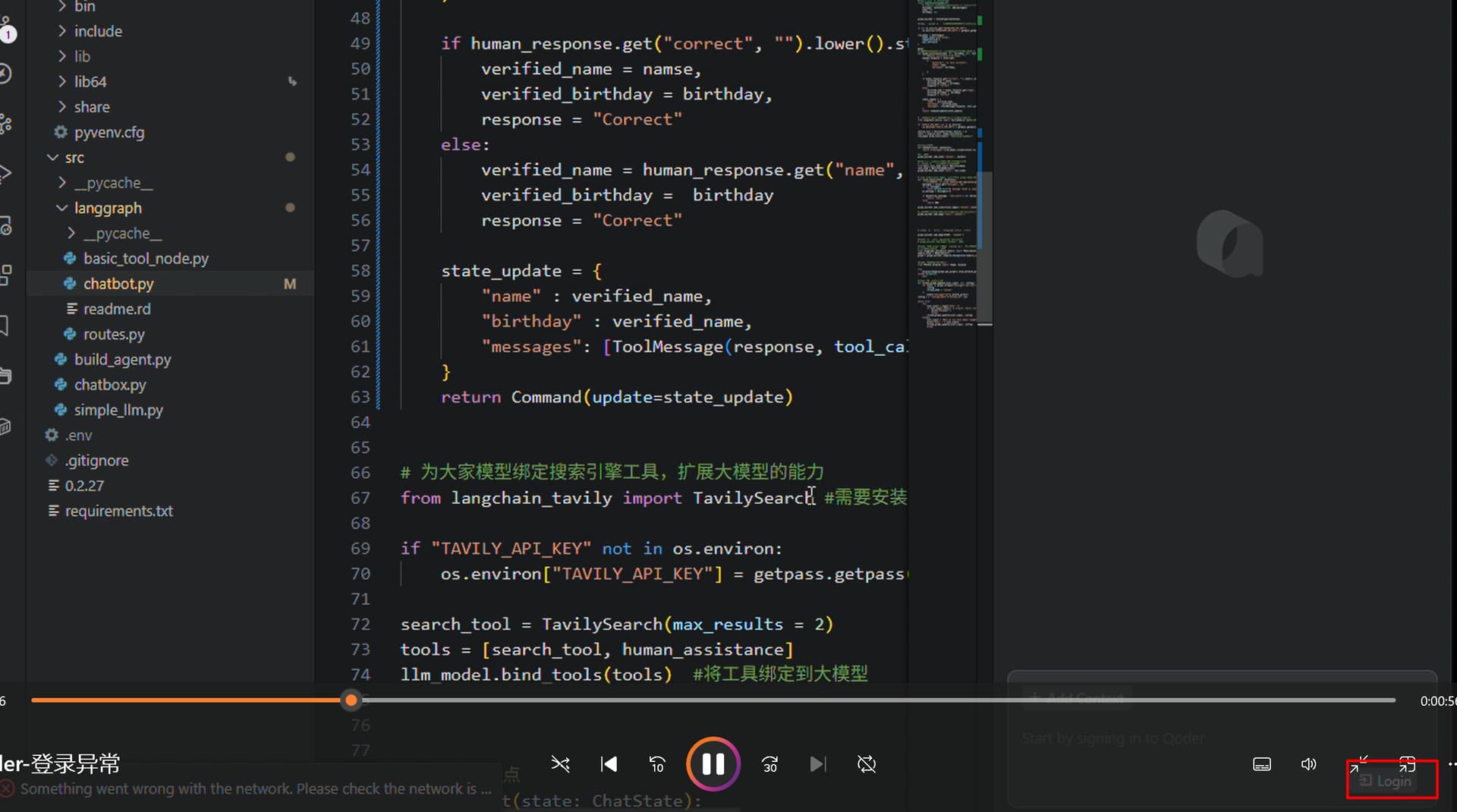
之前的0.1.17版本可以登录,但是智能会话对话框没法使用,一直处于加载中。更新了最新的0.1.21版本,智能会话对话框能加载出来了,但是登录又用不了。无论是标题栏点击人员头像,再点击登录或者智能会话对话框架下面点击登录,抑或是Qocder设置中点击立即登录均没有任何反应,不会打开浏览器进行登录。
Version: 0.1.21
VSCode Version: 1.100.0 (user setup)
Commit: f2567b9e68bb3cc0732811e4384cb9141bbab52c
Date: 2025-09-04T13:25:30.496Z
Electron: 34.5.1
Chromium: 132.0.6834.210
Node.js: 20.19.0
V8: 13.2.152.41-electron.0
OS: Windows_NT x64 10.0.26100
If you’re experiencing issues with logging in, could you please send the Qoder logs from your computer to contact@qoder.com? This will help us investigate the problem.
Log locations:
-
Mac:
~/Library/Application Support/Qoder/SharedClientCache/cache/diagnosis.bin ~/Library/Application Support/Qoder/logs -
Windows:
C:\Users\YourUsername\AppData\Roaming\Qoder\SharedClientCache\cache\diagnosis.bin C:\Users\YourUsername\AppData\Roaming\Qoder\logs -
Linux:
~/.config/Qoder/SharedClientCache/cache/diagnosis.bin
~/.config/Qoder/logs
Replace YourUsername with your actual Windows user account name.
We appreciate your help in troubleshooting this issue.